Tasks and notes, one shortcut away.
Press Option Space to save a thought from any app, then find it with Command K. Your tasks and notes sync with Kept on iPhone.
Universal for Apple silicon and Intel · macOS 26.0 or later

One line, from any app.
Press Option Space in your editor, your browser, or a call. Type, press Return, and Kept files it as an event, a task, or a note. You never left the app.
- ⌥1to⌥3Pick Event, Task, or Note.
- ⌘↩Keep it, even with a picker open.
- escClose it; the line waits for next time.
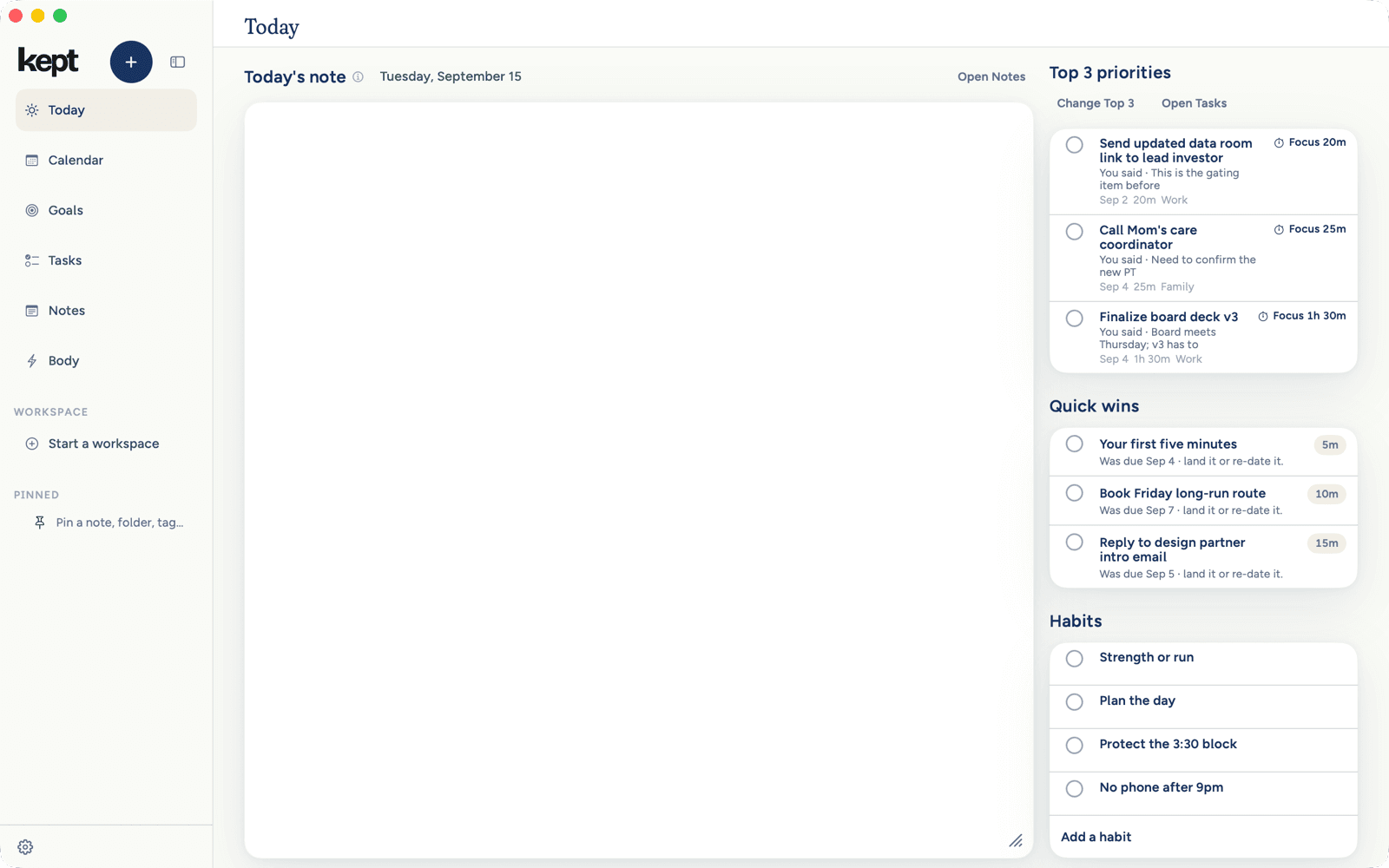
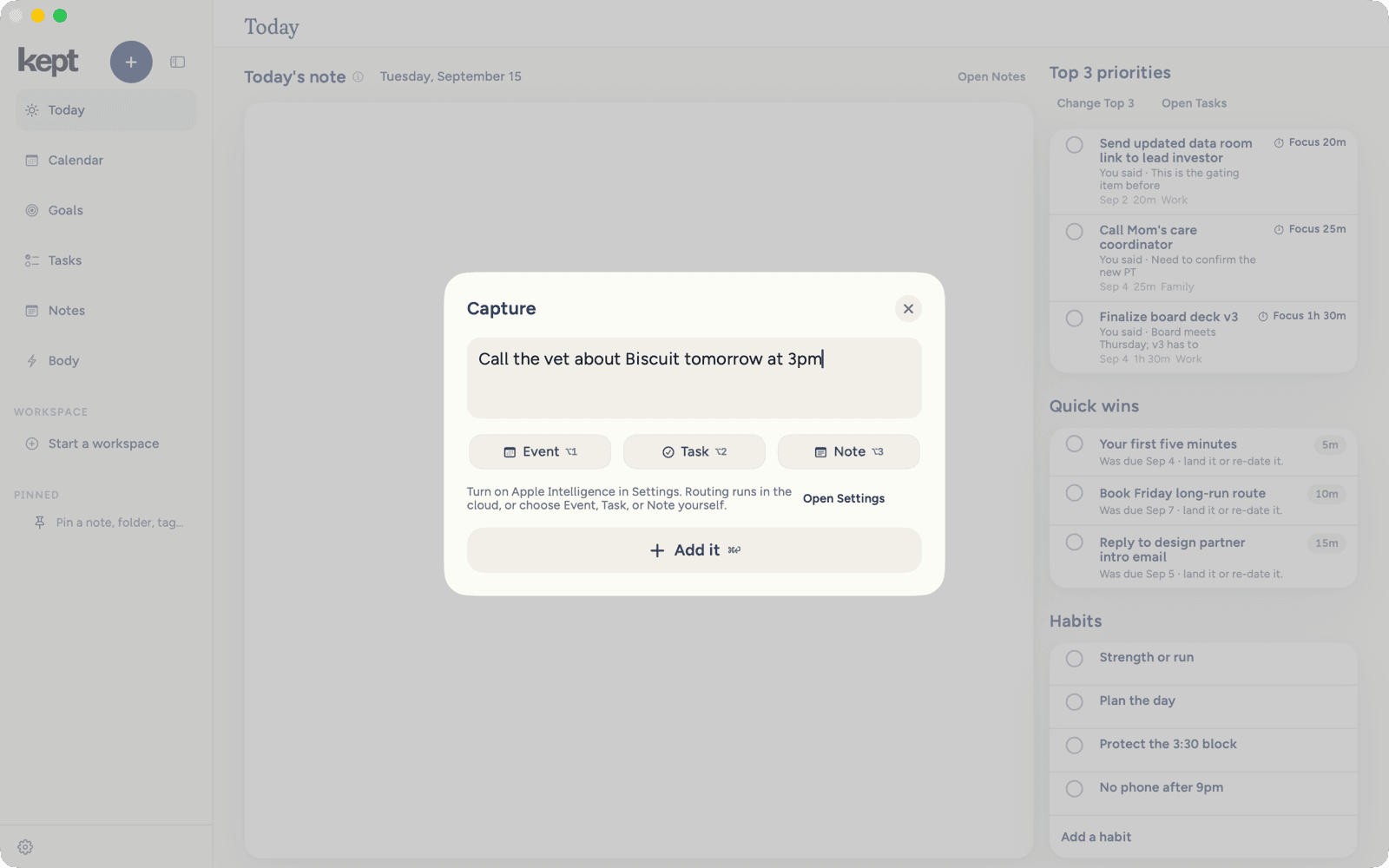
Your shortcut. Change it in Settings.
Reach everything from one field.
Press Command K and type a few letters. Return opens the task, note, event, or goal right where it lives.
- ⌘↩Turn the line into a capture.
- ⌥↩Hand it to Ask Kept.
- ⌘1to⌘6Jump to any row in the sidebar.
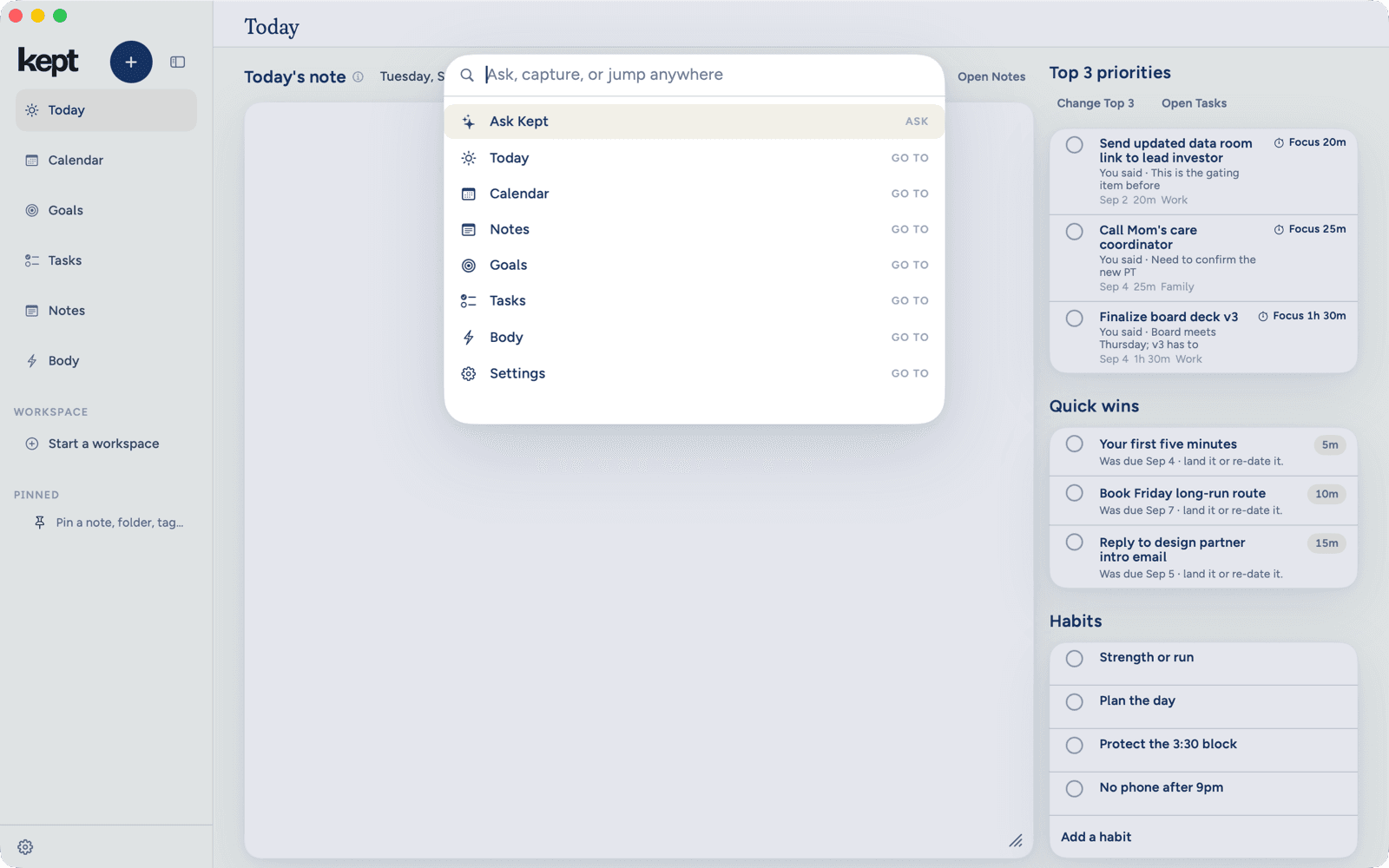
Search, jump, capture, or ask.
Built for the desk.
A sidebar, a workspace, and an inspector for the task you select. Resize any column, and the window remembers.
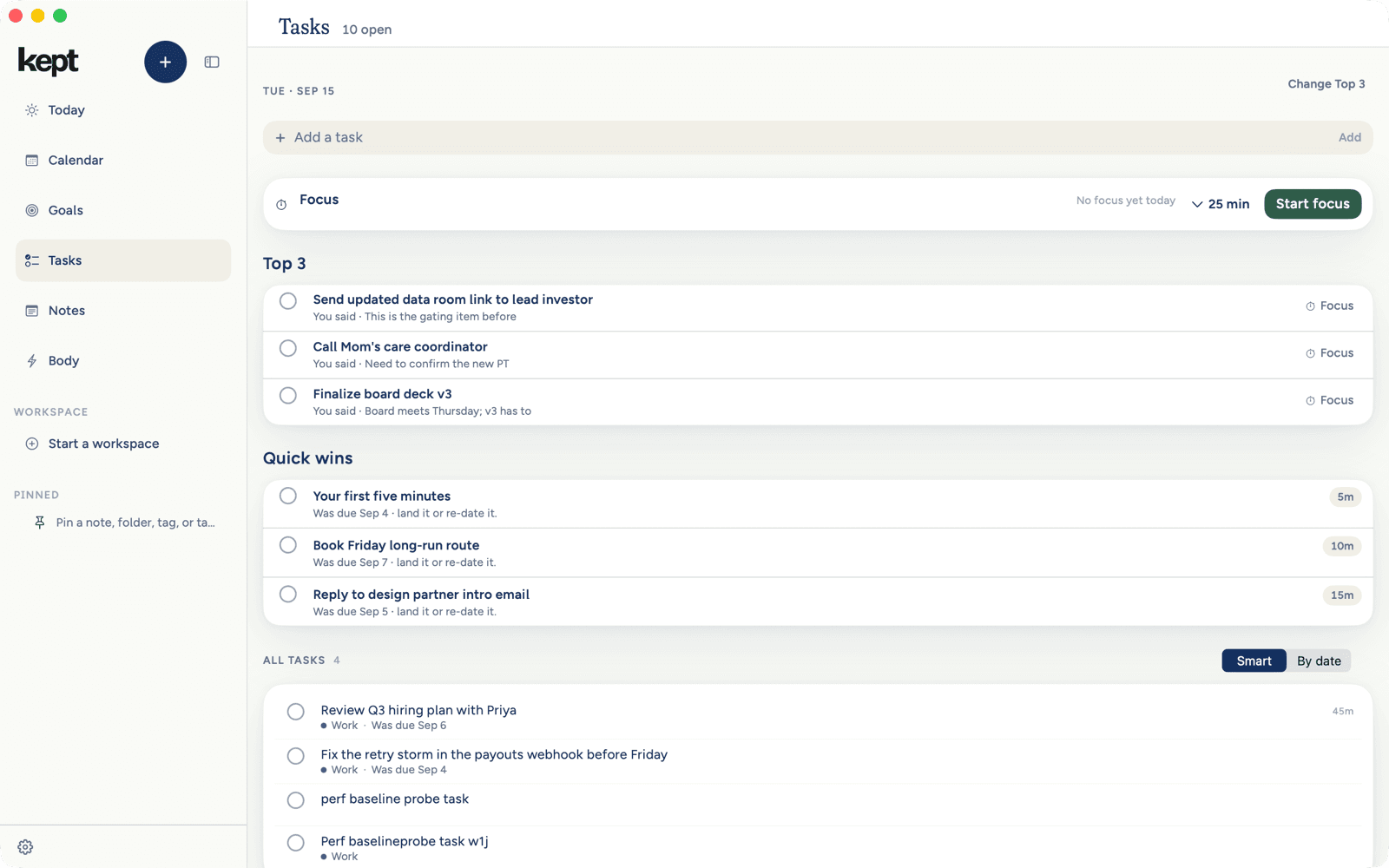
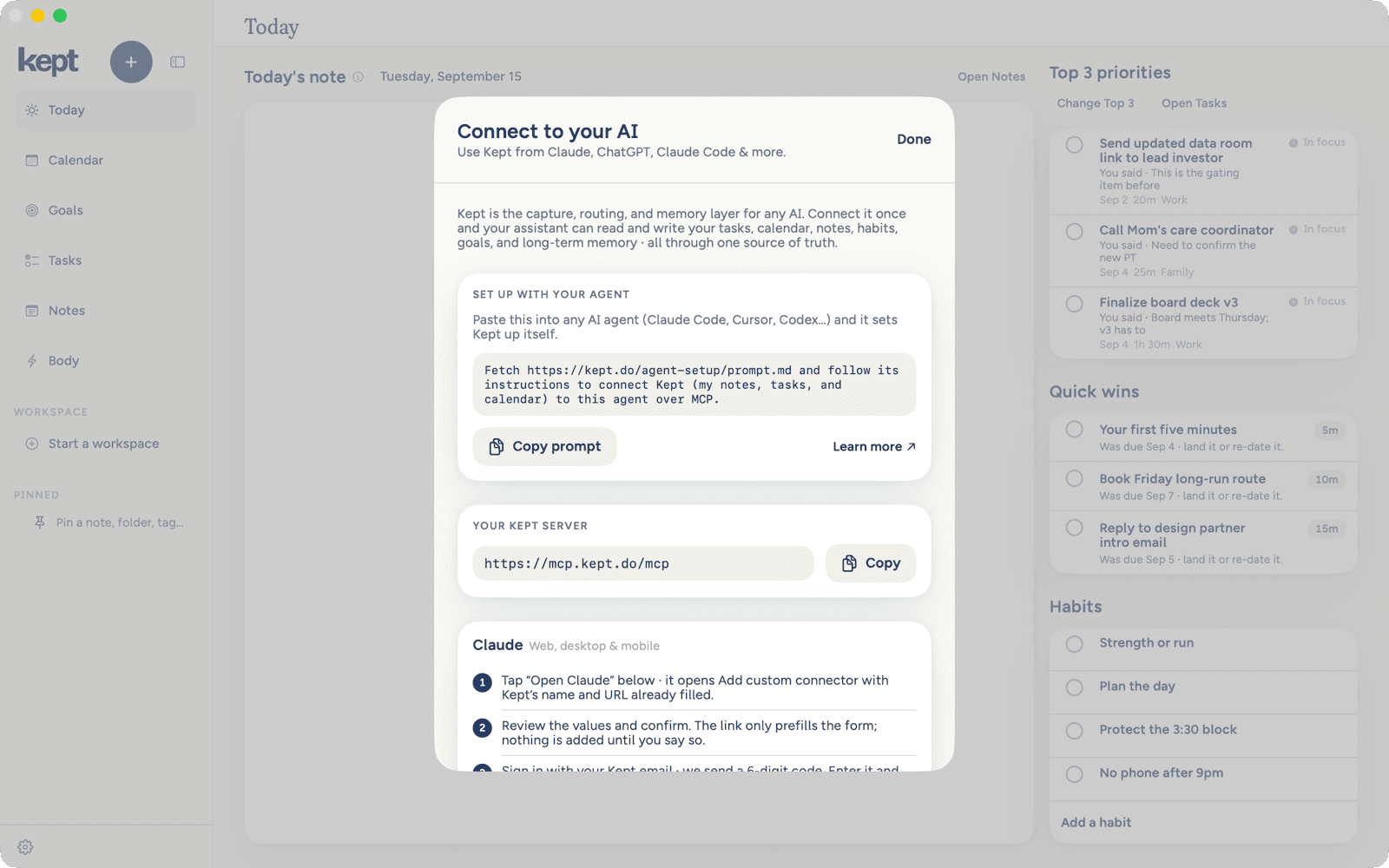
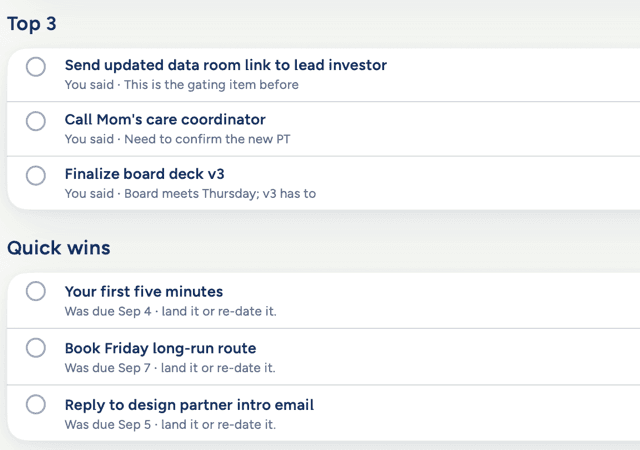
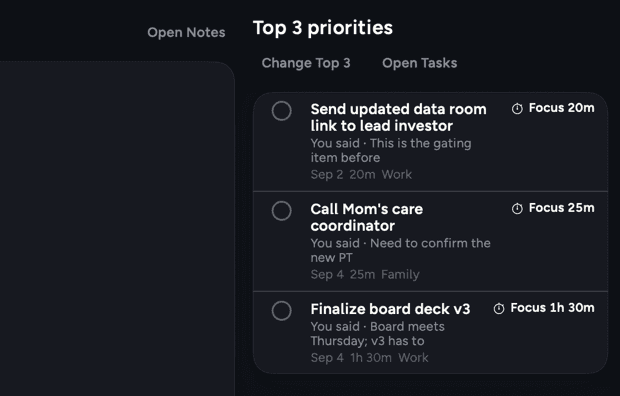
Tasks
Top 3 and Quick wins first, with focus a click away.
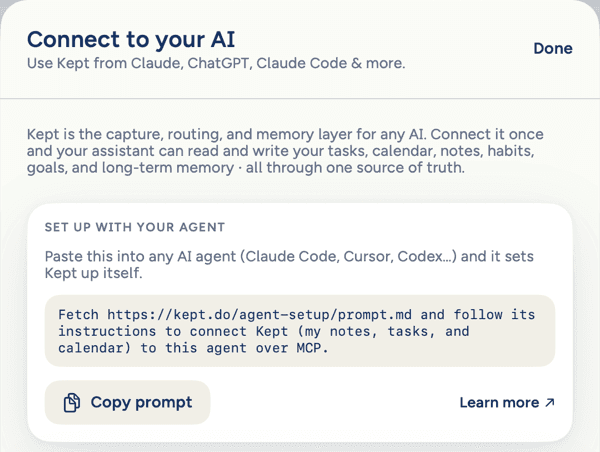
Connect your AI
Let Claude Code, Cursor, or Codex read and update your Kept tasks and notes. Start from the Help menu.
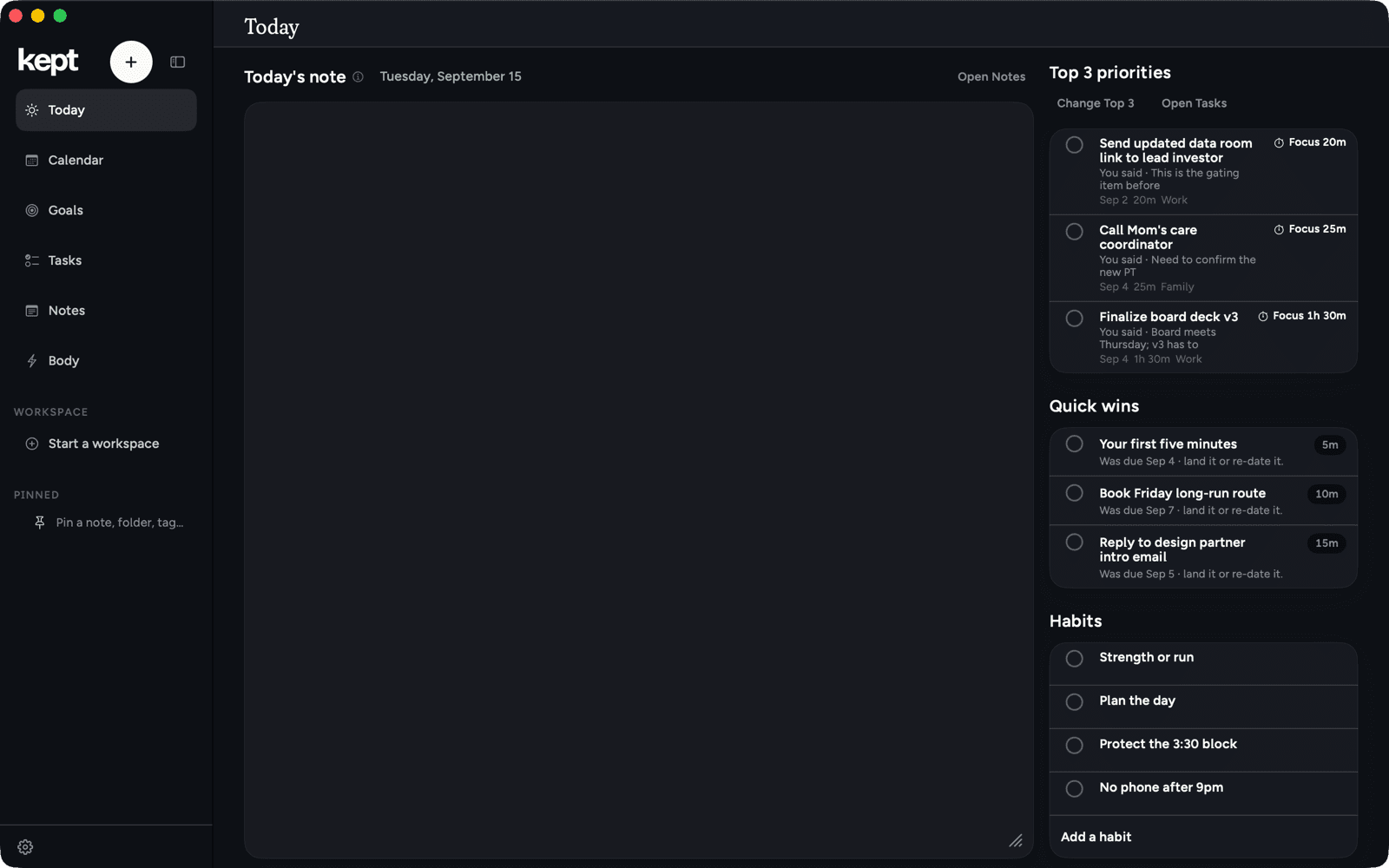
Light and dark
Follows your Mac, or the appearance you pick in Settings.
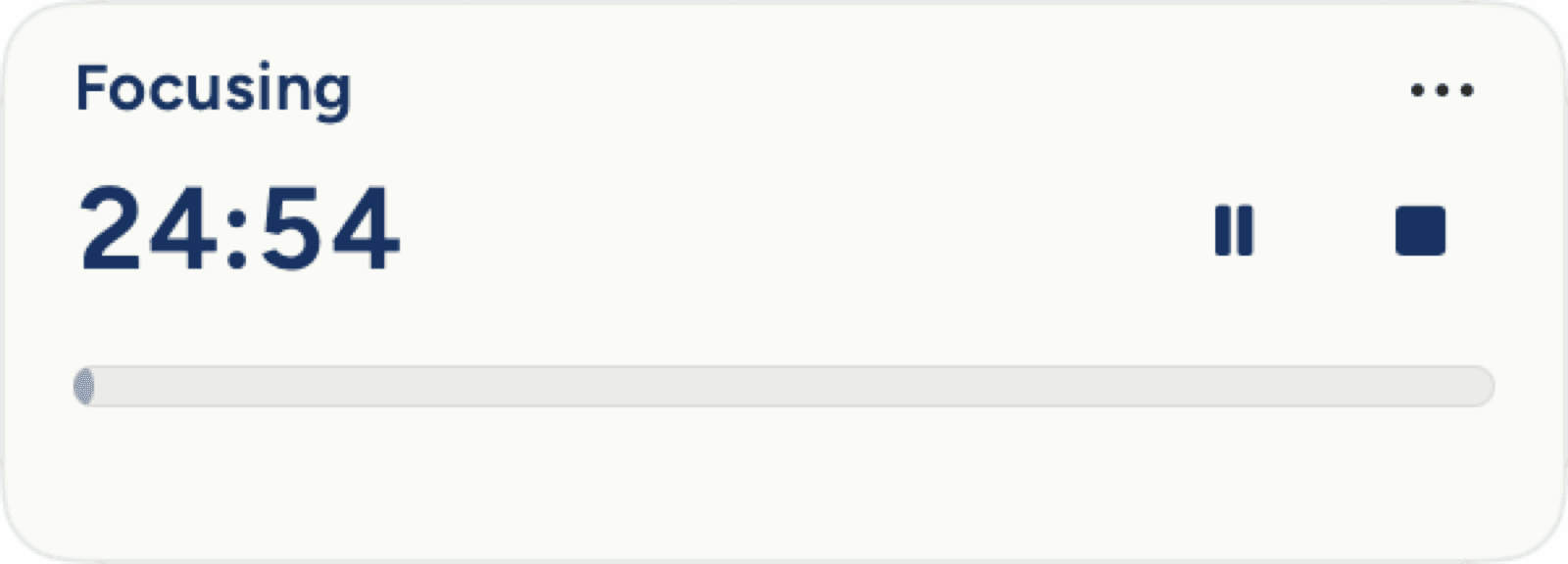
A timer that floats above your work.
Start a session and the floating timer stays with you when you switch apps, even with Kept minimized.
Drag it anywhere. Drag an edge to resize it.
The rest of the desk.
- Your layout
- Resize the columns and pin a note, folder, tag, or task to the sidebar.
- The menu bar
- Capture, start focus, and check off today’s habits from the menu bar.
- Save to Kept
- Select text in any app, then choose Services → Save to Kept.
- Shortcuts
- Press Command Slash to see every shortcut in the app.
- Export
- Save an open note as Markdown, plain text, or PDF.
- Your iPhone
- Start a note at your desk and finish it on your phone.
Questions, answered
What does it need?
A Mac on macOS 26.0 or later. One universal app runs on Apple silicon and Intel.
Is it the same account as my iPhone?
Yes. Sign in with the same account and your tasks, notes, habits, goals, and events are there. Health summaries come from your iPhone; the Mac does not read Apple Health.
Does it work offline?
Yes. Capture, edit, and check things off as usual. Kept holds each change on your Mac and sends it when you are back online.
What does the Mac not do?
Meal photos, widgets, and Live Activities are iPhone features. On the Mac, Siri and Shortcuts offer Capture, Log a meal, Start focus, Complete next habit, and Open Today.
Is my data private?
Your saved tasks and notes sync through Kept's servers. Cloud AI is optional. Using your original capture text to improve Kept requires a separate opt-in.
What does it cost?
Kept is currently free. No card required and no trial countdown.
Put Kept on your Mac.
- 01
Download
One universal app for Apple silicon and Intel.
- 02
Install
Move Kept to Applications and open it.
- 03
Sign in
Use Google or a code sent to your email.
Universal for Apple silicon and Intel · macOS 26.0 or later