

GuideToday and TasksiPhoneMac
Focus
Start a timer on a task, keep the minutes even if you stop early, and let the session follow you to the Lock Screen or across your Mac.
Focus is a timer with a memory. Start it on a task and Kept keeps the minutes you spent, whether you finish the task or not. Over weeks the sessions add up.
Start a session
- From a Top 3 row on iPhone. Tap the minutes chip on a row that has an estimate. Focus starts for that long.
- From a priority. Open a Top 3 priority on iPhone or Mac and choose Start focus with its minutes. On iPhone the timer runs for those minutes. On Mac, 25 minutes is a Pomodoro, 45 is a deep session, and any other length is the open stopwatch. A session that is already running does not start a second one. On Mac, once that session has ended, you can start another.
- From a task. Open any task and tap Focus in its header. On iPhone the launch sheet offers 25 minutes, 45 minutes, or an open stopwatch.
- From Tasks. On iPhone, the Focus button in the rail opens the same sheet. At the largest text sizes the launch opens at full height, task names take two lines, and the lengths are listed one per line so none is cut in half. On Mac, the Focus card at the top of Tasks offers a length and Start focus.
- From the Mac menus. ⌥⌘F starts, pauses, and resumes; ⌥⌘E stops and keeps the time. The menu bar item has the same controls.
- From outside the app. Say "Start focus in Kept" or use the Start Focus action in Shortcuts on either device. On iPhone you can also tap the Start focus control in Control Center, press Start focus on the app icon's quick actions (it reads Resume focus while a session is paused), or start from the Focus widget. On Mac, the menu bar item offers 25, 45, or a stopwatch. The iPhone Shortcut takes any number of minutes; the Mac one offers 25, 45, or Stopwatch.
While it runs
On iPhone, a running session becomes a Live Activity. It counts down on the Lock Screen and in the Dynamic Island, with pause and stop controls that work without opening the app. Inside the app, one small bar above the tabs mirrors it on every screen, with pause, resume, and stop; the Tasks list does not draw a second clock.
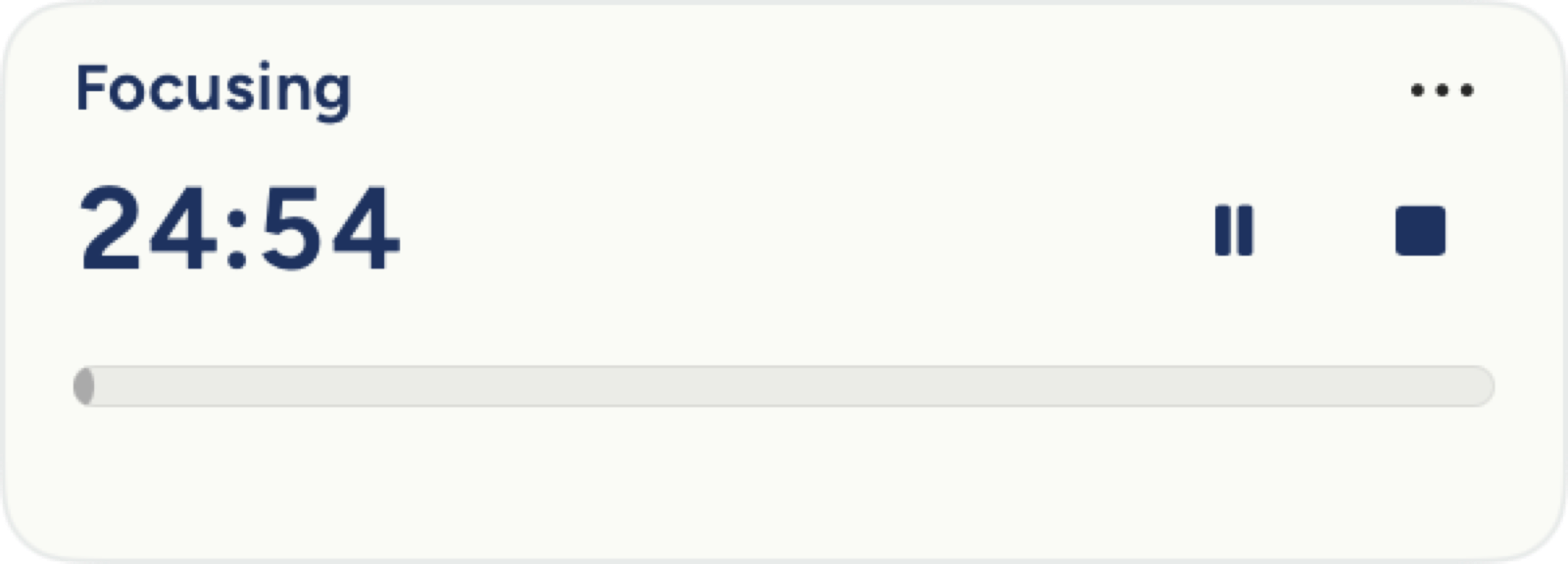
On Mac, a floating timer appears near the top-right of your screen and stays there when you switch apps or minimize Kept. Drag its title strip to move it; Kept remembers the spot. Drag an edge to resize it between a compact countdown and a full view with title, controls, and progress. Its menu offers Hide for this session, which leaves the timer running; ⌃⌥⌘F brings it back and gives its controls the keyboard. If the focused task is open in the inspector, pause and stop live there too.
Pause and stop
Pause when you are interrupted; a paused session says paused and does not count the gap. Stop when you are done. Kept keeps the time either way, as long as the session earned at least one minute; anything shorter is not logged, and on iPhone Kept says so. Stopping a timer never marks the task complete, because finishing a session and finishing the work are different things. The other way round works: on iPhone and Mac, keep the task a session is running on and the session ends with it. Its minutes are kept as if you had pressed Stop, and Kept does not ask whether to mark the task done, because you just did. Keeping any other task leaves the session running.
Levels
Focus sessions carry a level that grows with sustained use. The level is a quiet acknowledgment, not a score to chase, and it never takes anything away when a week is slow. On iPhone, tap the information mark beside the level for what each one means.
When a task session ends
When a session you started on a task finishes on iPhone, Kept asks what happened next: Mark it done, Keep it open, +10 min, +25 min, or I got distracted. Done, open, and distracted are written into the task's comments so the record is on the task, not in a diary you have to go find; the two extensions simply start another session. On Mac the session is saved to your record without a prompt.
Next: The Record.
On iPhone Duo, Focus on a task page starts on that task at your last-used length, keeping the task on screen. The Focus pill becomes a sage clock, Focusing appears under the title, and Pause takes the place of Not today. Tap Pause to pause or resume. Hold the Focus pill before starting to choose 25 min, 45 min or Stopwatch; while running, hold it to add five minutes to a countdown or end focus. If another task is running, Switch focus to this task? asks before changing it; Cancel keeps the original session.
Folding or unfolding keeps the running task, length and paused state. Ordinary iPhone keeps its existing Start confirmation.
On iPhone and Duo, Today uses the same floating Focus bar as the other screens, with one clock and pause, resume and stop controls. On Mac, Today also shows a quiet session line with the task title and time remaining, or time elapsed for a stopwatch. A paused session says Paused. Click the Mac line to open Focus and reveal its timer controls, including a timer hidden for this session. The line disappears when the session ends.