

GuideMacMac
Mac tips
A handful of moves worth learning once, from the shortcuts sheet's own tips list.
One key runs the whole app
⌥Space is the point, or whatever chord you record in Settings → Capture. From any app, summon capture, type one line, press Return. It routes itself and you never switch windows. Mid-capture, ⌥1, ⌥2, ⌥3 lock Event, Task, or Note.
The palette does double duty
⌘K opens search, Ask Kept and Capture. ⏎ follows the selected row, including a note found by a word in its body. ⌥⏎ opens the assistant; ⌘⏎ opens Capture for review. In Settings, Tab brings the focused control into view. The global hotkey button opens with Space or Return, Escape keeps the existing chord, and Reset to Option Space restores the default.
Slash writes the structure
In any note, type / for blocks. Type to filter, ↩ inserts. /task Call the vet turns the line into a to-do that already says Call the vet, and Kept creates the linked task when the note saves. Watch the line settle mint when it lands.
Hold Command and the blocks number themselves
With the slash palette open and nothing typed, a muted number sits beside the first nine rows. ⌘1 keeps the top row, ⌘2 the next, down to ⌘9.
Abbreviations find the block
The palette reads initials: h1 h2 h3 for headings, td for To-do, dt for Date and time, nl and bl for lists. ul, ol, hr, bq work too.
Numbers walk the app
⌘1 Today, ⌘2 Calendar, ⌘3 Notes, ⌘4 Goals, ⌘5 Tasks, ⌘6 Body, with everything showing. Hide a surface and the numbers close up. The Go menu shows the live list.
Pin the folder you file into daily
Right-click it, choose Pin to sidebar, and it is one click from any surface.
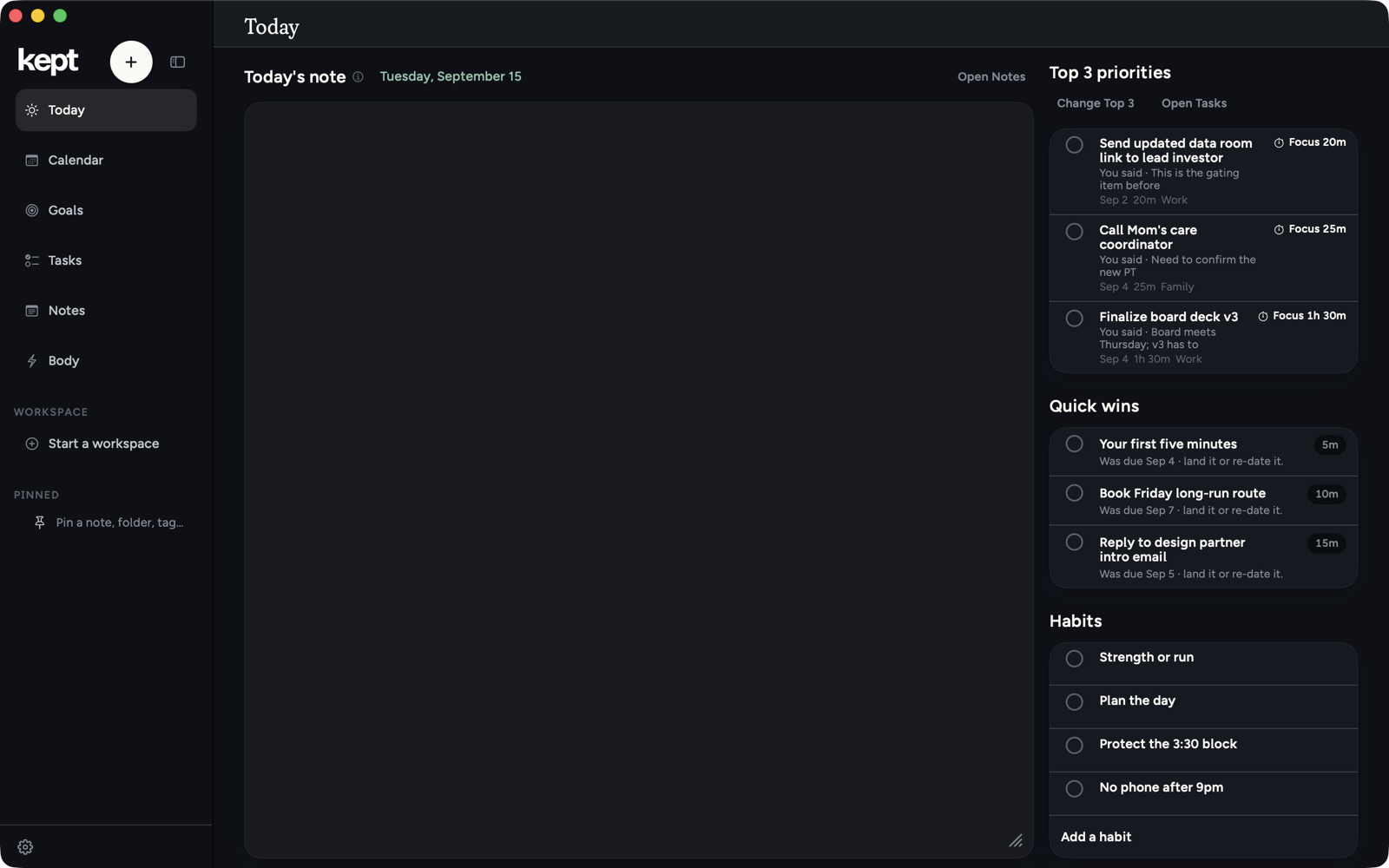
Shape Today
Open a Today block's ⋯ menu to hide it for today or every day. Use Today note settings… there to bring hidden blocks back and choose whether the calendar stays beside the page.
Escape always backs you out
An overlay or sheet closes with one press, and inside a note the innermost control closes first. Nothing traps you.
Hold a receipt to keep its Undo
Press and hold a receipt to keep its Undo on offer until you let go. While a sheet or the command palette covers a receipt, it keeps its Undo until it shows again. Resting the pointer on a receipt does not hold it.
Capture from a selection
Select text in Safari or Mail, right-click, Services → Save to Kept.
Next: Connect Kept to your AI.